
My previous post regarding moving a WordPress site may have been both vague and abstract. Here are some more coherent steps. These are not a tutorial but more of a documentation for myself and any others who might be trying to understand how the internet works.
- Have a SQL database for WordPress on both servers using myPHP. Do this by creating an empty database on your local computer(wamp server) to import the live data base to.
- Install WordPress on both (wamp, localhost, directory)- I don’t think I need to run and install a fresh WordPress. I just copy all the files and put in the www folder in wamp. I am still fiddling with this. Do you need to install a blank WordPress then bring files? It sort of seems like it. I need to keep practicing.
- Make sure that wordpress knows about the data base(config file). If you install a new WordPress it will ask you about the database and you can enter your newly created local database.
- Make sure the website knows where it is (URL). I think this is the options table in the database. Yes. Also In The settings from the admin if you can get there
- Update the internal links doing a search replace in the database in my php using language for sql.
So, how did it go? Pretty good but I think I went off the script a bit to get it done. Will try again, once it is a well oiled machine I will be confident to take more risks customizing the website, for you to enjoy.
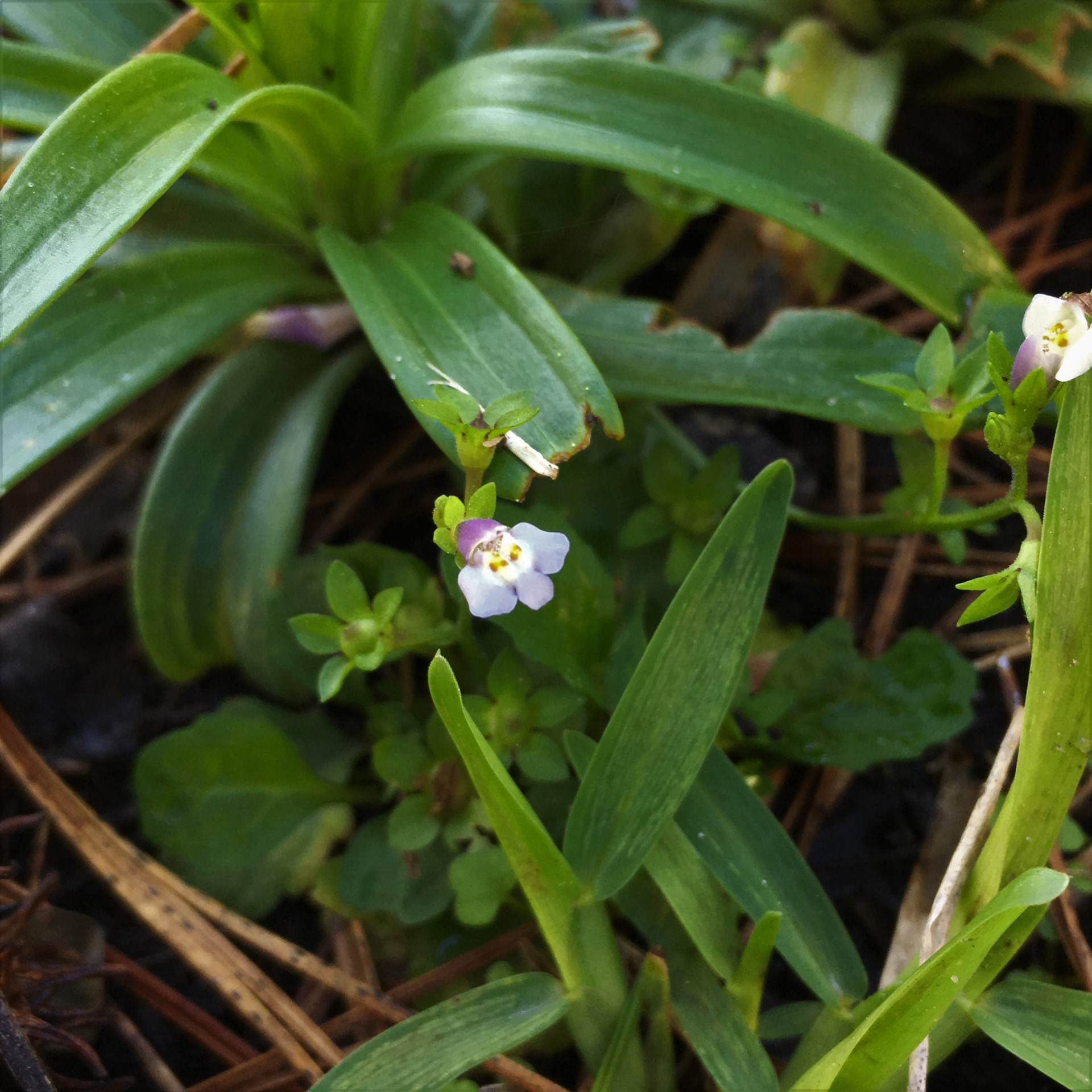
And now a little bit more about the photo above. These sweet wild violets, Viola sororia, grow throughout my yard. I don’t see much insect activity around them, but they are a lovely and tiny pit of purple. This website has more information, not just about wild violets but about all kinds of plants and insects. Check it out!
~Lisa
This post is famous in the future: